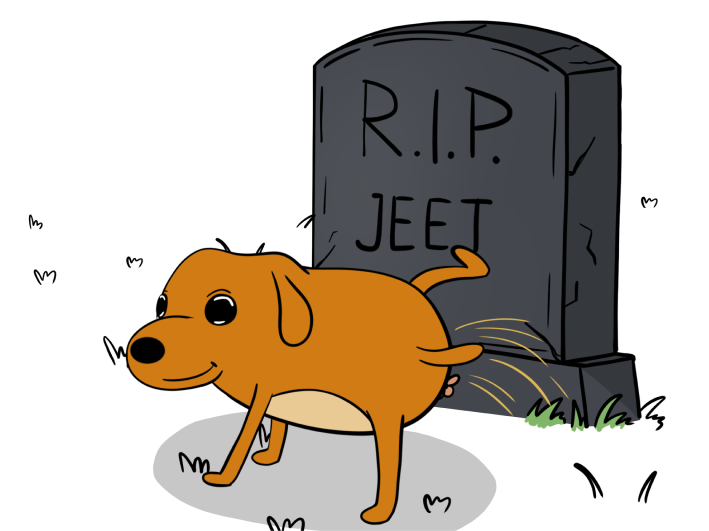


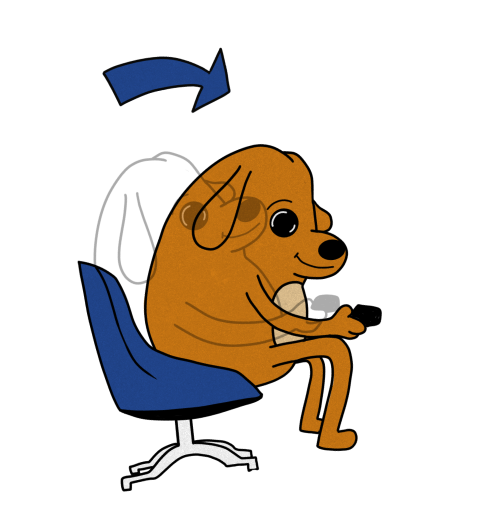
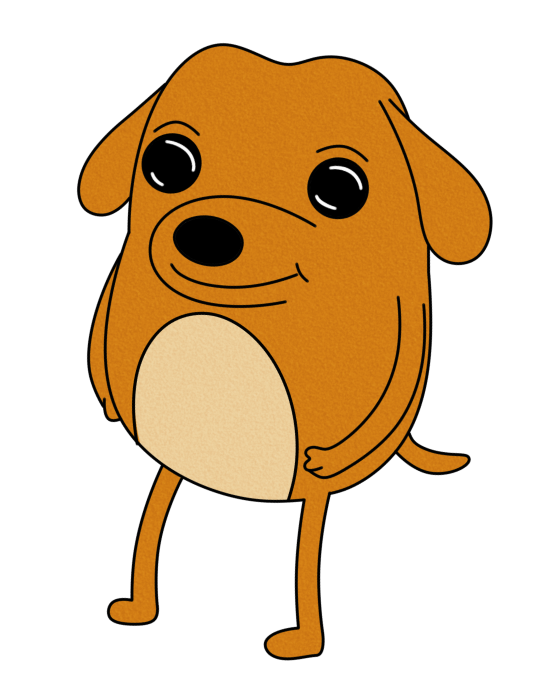
$DWOG is an adorable yet savvy dog, known for being the ultimate companion to degens. With a keen sense for sniffing out profits, $DWOG is always by your side, leading the way through the wild world of crypto


HbjX4RPmmLi4dc2CeYjFuLg1tkuyWj1EWRca5Hwcpump


1
Create Wallet Download Phantom or your wallet of choice from the app store or Google Play for free.
Desktop users,
download the Google Chrome extension by going to Phantom.
3
GO TO RAYDIUM Connect to Raydium. Connect your wallet in chrome. Paste the $DWOG token address, select
$DWOG, and
confirm. When Phantom prompts you for a wallet signature, sign.
2
GET SOME SOL Have SOL in your wallet to switch to $DWOG. If you don’t have any SOL, you can buy directly
on Phantom,
transfer from another wallet, or buy on another exchange and send it to your wallet.
4
SWAP FOR DWOG Switch SOL for $DWOG. We have Zero taxes so you don’t need to worry about buying with a
specific slippage.